
透過 Veeam Backup and Replication 新增 Windows 主機後執行備份,在進行 rescan 時失敗。
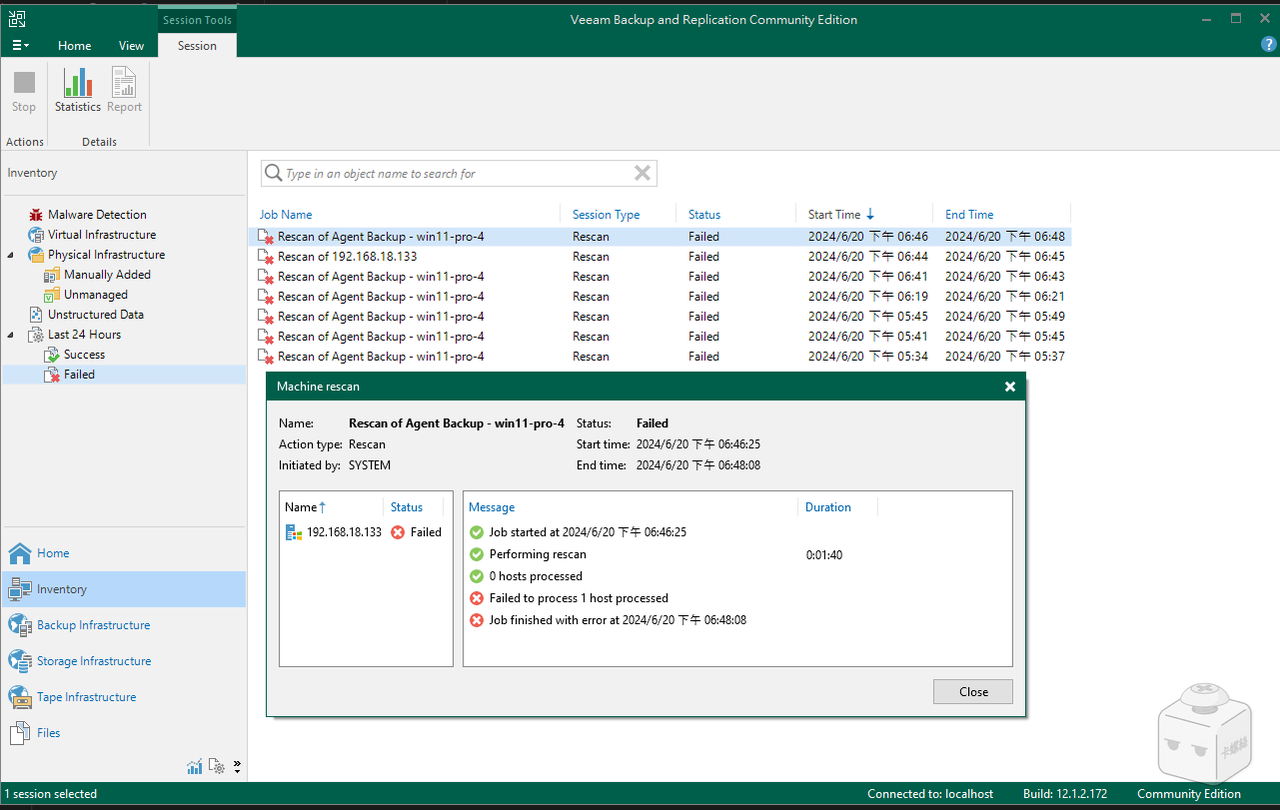
查看相關 log (路徑: C:\ProgramData\Veeam\Backup\Rescan\Rescan_of_Agent_Backup_-_win11-pro-4),一些關鍵訊息如下:
| |
問題出在這條:
| |
摘錄官方知識庫相關條目敘述如下:
Cause
When a Windows Server is added as a Managed Server or added to a Protection Group, Veeam Backup & Replication checks if the Veeam Installer Service (VeeamDeploySvc) is present on the server. If the service is not accessible Veeam Backup & Replication will attempt to connect to the machine via the
admin$share to deploy the service.Example:
\\localhost\**admin$**The “Access is Denied” error occurs because the user account specified is a local account, and UAC restricts remote access for local accounts.
Solution
For Veeam Backup & Replication to add a remote Windows machine as a managed server or as part of a Protection Group, the user account used to connect to that remote machine must work with the UAC remote restrictions. The account must be either:
A domain account that is a member of the Local Administrators group.
The built-in account named Administrator.
Note: The built-in Administrator account may fail if the “User Account Control: Admin Approval Mode for the Built-in Administrator account” policy is enabled on the remote machine.
簡單來說,是因為新增至 VBR 用於驗證 Windows 主機的帳戶是本機帳戶,被 UAC 限制了遠端存取導致失敗,儘管帳戶的身分組是 Administrators 也不例外。
官方給出三種解決辦法,分別應對三種不同的情況。
這邊的 case 是未加入 AD 的非 Windows Server 系統,所以啟用內建的 Administrator 帳戶並設定密碼,再讓 VBR 使用 Administrator 驗證即可解決。
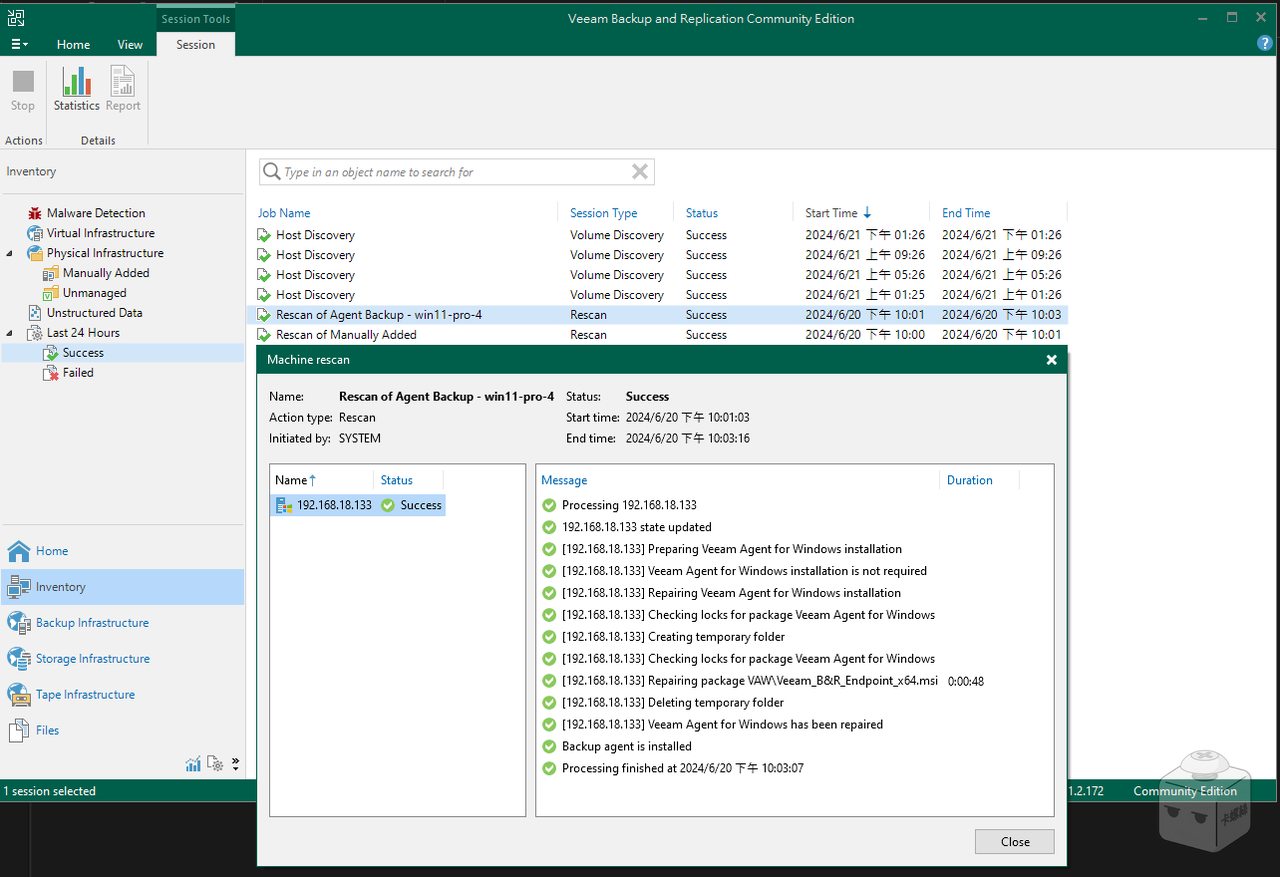
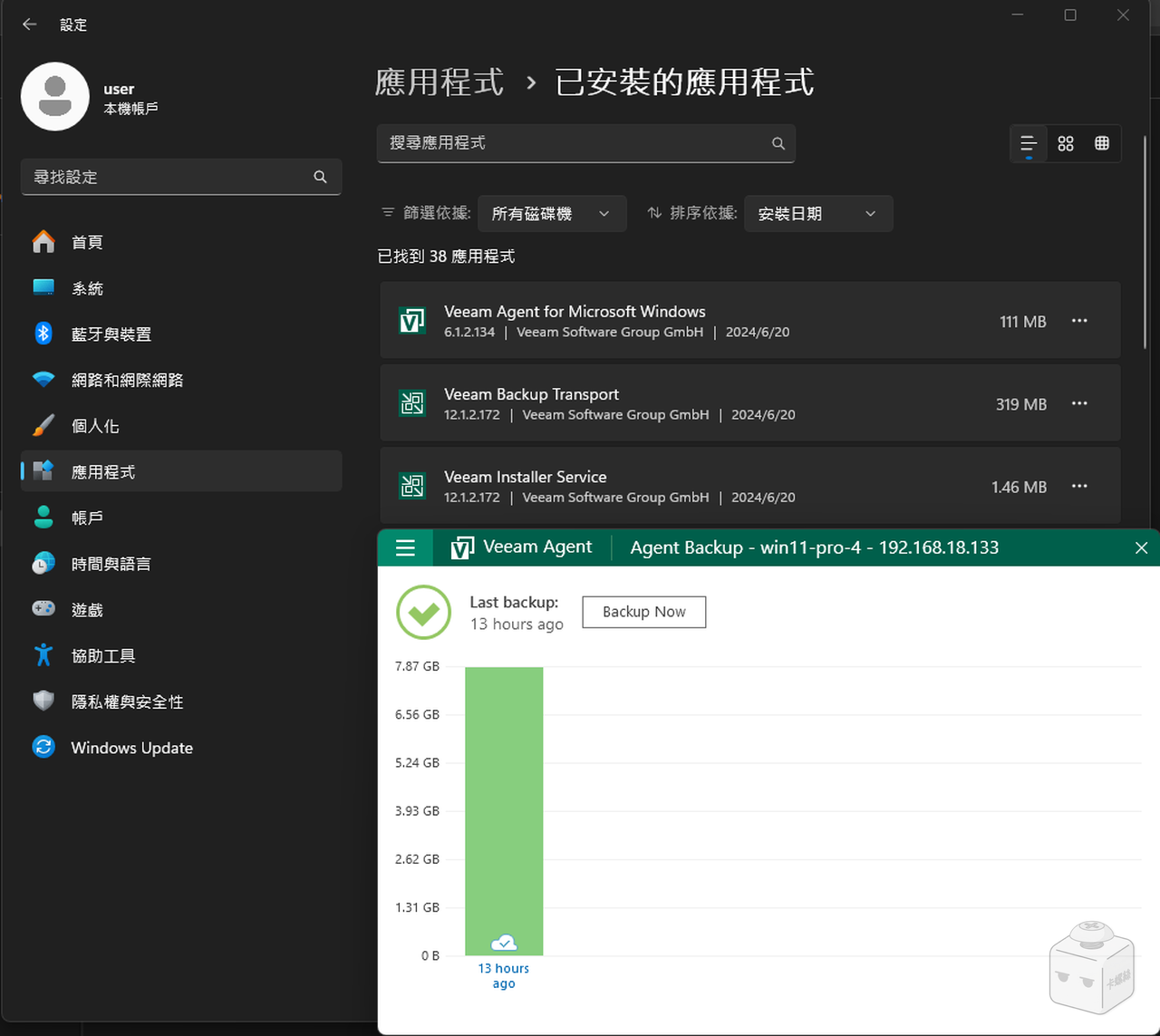
Rescan 成功後,VBR 就會自動在目標主機上安裝 Veeam Agent for Windows,並將備份任務的設定佈署上去。
備份對象為 Windows Server 時,必須先設定防火牆,允許 VBR 主機存取 TCP/UDP 135, 137-139, 445, 6160, 11731
以下為相對應的 powershell 指令
1
2
3
4
5
# 允許 TCP 通訊埠 New-NetFirewallRule -DisplayName "VBR - TCP" -Direction Inbound -Protocol TCP -LocalPort 135, 137-139, 445, 6160, 11731 -Action Allow -RemoteAddress 192.168.18.131 # 允許 UDP 通訊埠 New-NetFirewallRule -DisplayName "VBR - UDP" -Direction Inbound -Protocol UDP -LocalPort 135, 137-139, 445, 6160, 11731 -Action Allow -RemoteAddress 192.168.18.131這邊的 VBR 主機 IP 為 192.168.18.131,請自行替換。
References: